Managing a small business in Canada is not easy. There are clients to serve, bills to pay, and staff to manage, running a sustainable operation. Yet for many business owners, accounting is the area that receives the least consistent attention. Between managing daily operations, serving clients, handling payroll, and driving growth, the books often get pushed aside until the situation becomes difficult to ignore.
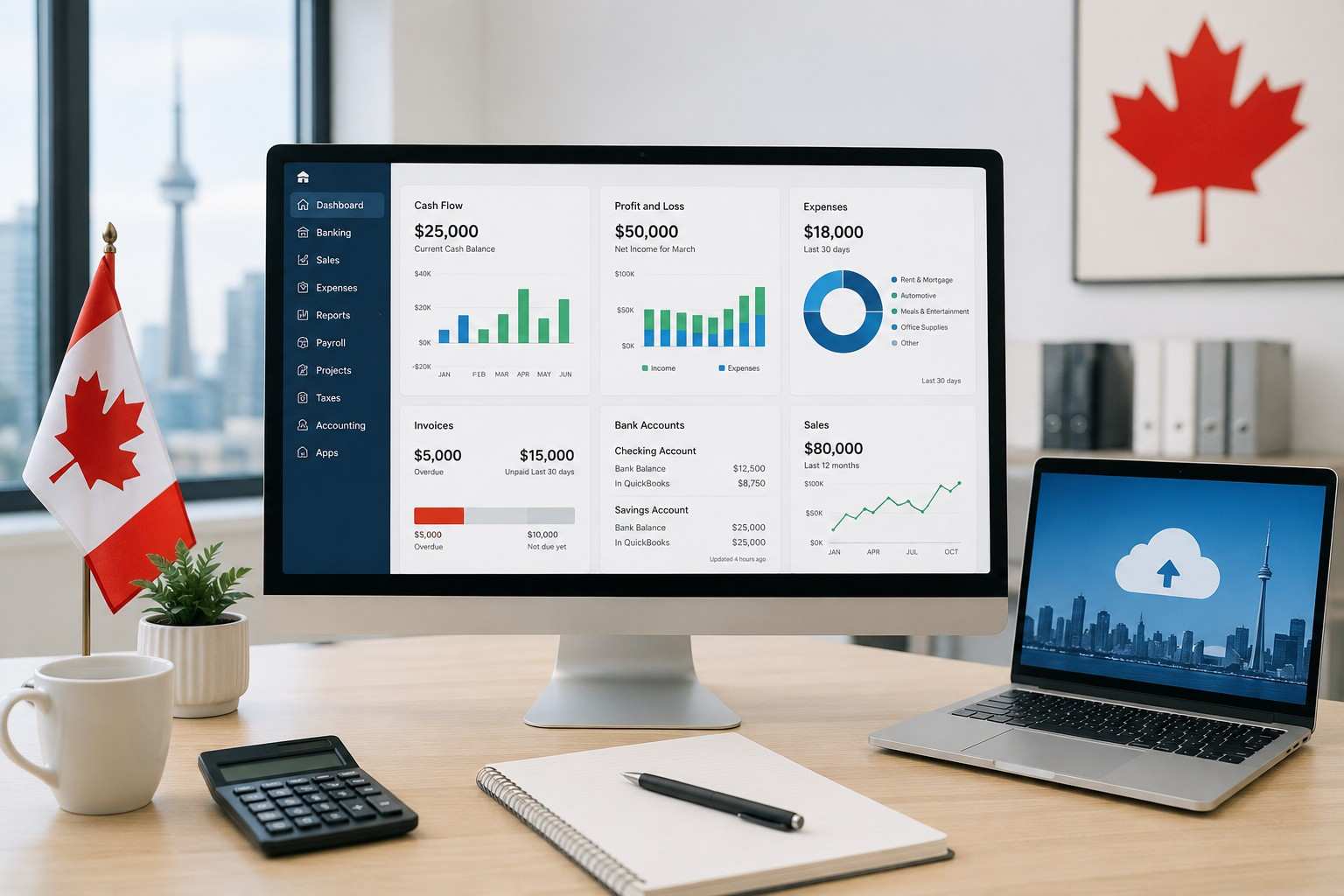
Cloud accounting software has become one of the most practical solutions to this challenge. The right platform brings structure to financial processes, reduces manual workload, and gives business owners accurate, real-time visibility into their finances.
Choosing the right tool, however, requires a clear understanding of what is available and what genuinely fits the needs of a small business.
This blog covers the top cloud accounting tools that small businesses in Canada are using today.
What Is Cloud Accounting Software?
Cloud accounting software stores all financial data online rather than on a single computer. Business owners and their accountants can log in from anywhere and see the same up-to-date numbers in real time.
For small businesses in Canada, this kind of access matters. It means no more waiting until the accountant visits, no more spreadsheets going back and forth, and no more end-of-year surprises.
Top Cloud Accounting Tools for Small Businesses in Canada
1. QuickBooks Online (QBO)
QuickBooks Online is pretty much one of the most commonly used accounting platforms for small businesses in Canada, and yeah, it’s doing invoices, expense tracking, payroll, bank reconciliation, plus financial reporting in one spot too.
It also connects pretty easily with other tools, so it fits businesses at different growth phases. Whether you’re just getting started or you’re running with a team that’s expanding, QBO brings that sort of organization you need to stay on top of the money, without too much chaos.
2. Xero
Xero is another widely chosen option, especially if a business wants a tidy, simple interface and solid reporting. It covers invoicing, bank feeds, payroll, and even multi-currency transactions.
A further thing people like is the way it plays nicely with third-party apps, so your accounting process can feel more automated over time, instead of doing everything manually all the time.
3. Hubdoc
Hubdoc is basically a document collection and data capture solution. It gathers bills, receipts, and bank statements into one place automatically. Rather than hunting down paper or digging through email attachments, you get things lined up, organized, and ready to use.
It also works really well next to QBO and Xero, which can make the bookkeeping routine a lot quicker and more accurate, too.
4. Dext
Dext handles receipt and expense capture. A quick photo on a phone is all it takes for Dext to read the details and push them straight into the accounting system.
For business owners dealing with a high volume of daily purchases and expenses, Dext keeps everything recorded as it happens. Nothing gets lost, and there is no pile of receipts to sort through at the end of the month.
How to Choose the Right Platform
Not every tool fits every business. Before deciding on a platform, it helps to think through a few practical questions:
- How many transactions does the business process each month?
- Does the business have staff who need payroll managed?
- What platform does the bookkeeper or accountant already use?
- Are there other tools the accounting software needs to connect with?
The right choice is the one that matches how the business actually runs, not the one with the longest list of features.
Why the Setup Makes a Difference
Choosing the software is only the beginning. Getting it set up properly is where a lot of small businesses run into trouble.
When an accounting system is not configured correctly from the start, the reports it produces cannot be trusted. Tax time becomes stressful. Errors take hours to track down. And cleaning up a messy system later costs far more time and money than setting it up right the first time.
Getting the chart of accounts structured properly, connecting bank feeds correctly, and building clean workflows from day one make a big difference when it comes to staying on top of the finances month after month.
How UniCrest Accounting Uses These Tools for Small Businesses in Canada
UniCrest Accounting works with small businesses, SMEs, startups, and CPA firms across Canada. The team does not just point clients toward a software platform and leave them to sort it out.
UniCrest builds the full accounting system using QuickBooks Online, Xero, Hubdoc, and Dext so that everything runs together properly from the start.
- QuickBooks Online and Xero are used to build the main accounting setup, including the chart of accounts, bank feeds, and monthly reporting.
- Hubdoc is connected to pull in bills and receipts automatically, so no paperwork is left behind really.
- Dext takes care of daily expense capture, so each transaction gets logged precisely as it happens, not shoved into a rushed month end batch.
The result is a tidy connected accounting system that gives business owners a clear view of their finances without all the manual effort that usually shows up.
Final Thoughts
Cloud accounting software gives small businesses in Canada a real advantage for keeping track of their finances. But the software alone is not enough. It needs to be set up the right way, kept maintained properly, and backed by people who understand the whole process.
For small businesses that want their books to stay accurate, their reports to be dependable, and their financial routines to actually run smoothly, having the right accounting team behind the setup changes everything.
Book a free consultation with UniCrest Accounting today and see how the right cloud accounting setup can reduce the stress of managing business finances for good.